
Signing In
Logging in
Section titled “Logging in”Go to the ServiceDock sign-in page. You’ll need:
- Email — the email address your account was created with.
- Password.
You’ll also need to complete the human-verification checkbox (Cloudflare Turnstile) before the form will submit — this is required on every login attempt.
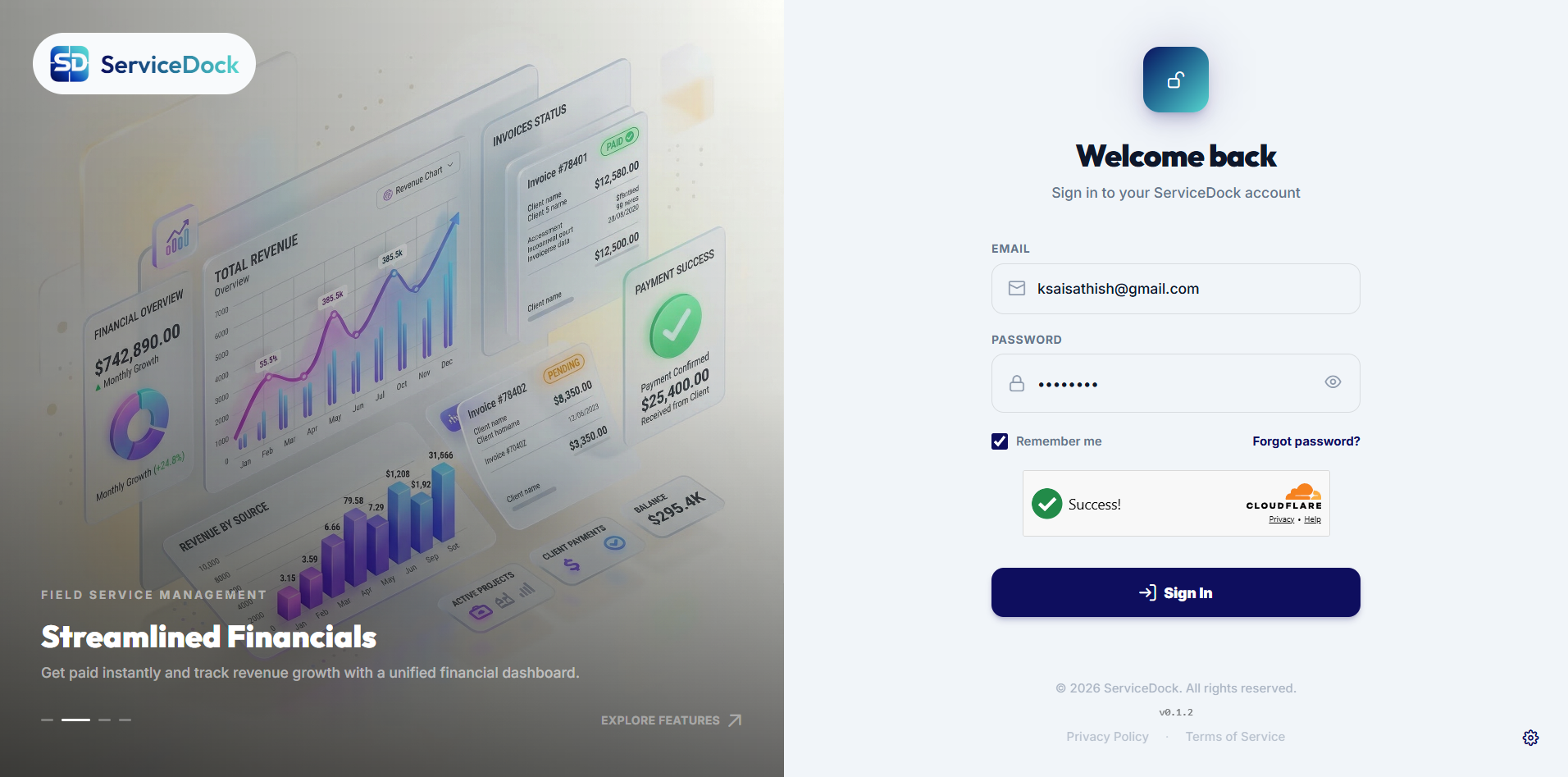
- Enter your email.
- Enter your password (use the eye icon to reveal it if you want to double-check it).
- Optionally check Remember me to have your email pre-filled next time.
- Complete the human-verification checkbox.
- Click Sign In.
If your credentials are correct, you’ll land on your dashboard — unless your account requires a password update first, or you have two-factor verification enabled (see below).
Two-factor verification
Section titled “Two-factor verification”If you’ve enabled Two-Factor Authentication on your account, a correct email and password isn’t enough on its own — you’ll land on a second screen instead of your dashboard, with a verification code already sent to your email (or phone, if you chose SMS).
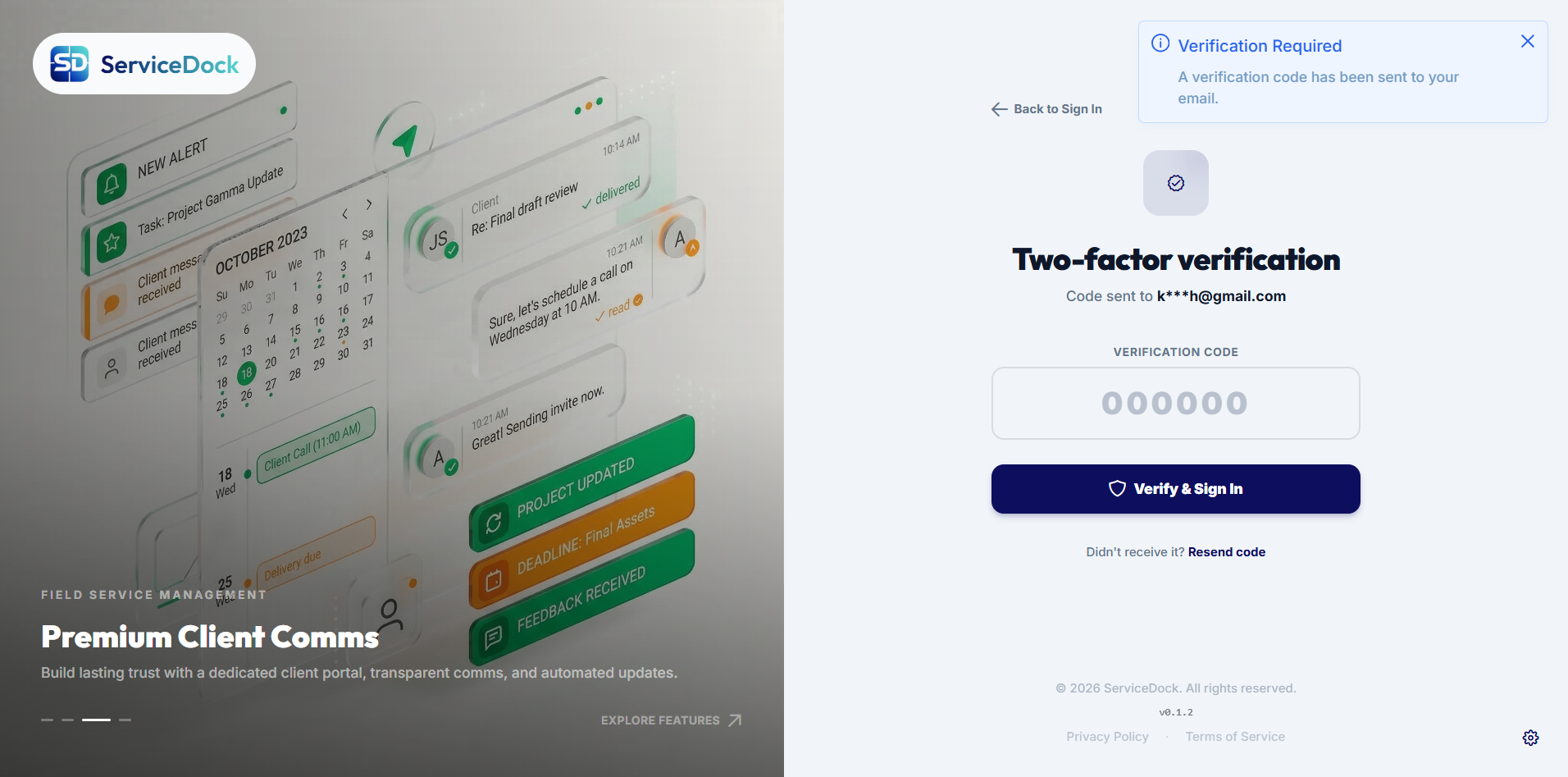
- Check your email (or phone) for the 6-digit code.
- Enter it in the Verification Code field.
- Complete the human-verification checkbox.
- Click Verify & Sign In.
Didn’t get a code? Click Resend code — you’ll need to wait 30 seconds between requests, so the button shows a countdown while it’s on cooldown. Want to cancel and sign in as someone else instead? Click Back to Sign In — since that cancels your current verification attempt, you’ll be asked to confirm first.
I forgot my password — what do I do?
Click Forgot password? on the sign-in page — that’s a separate flow from the one above. See Resetting Your Password for the full walkthrough.
I got redirected to a password screen instead of my dashboard after logging in — why?
That happens automatically the first time you log in after your account was activated, or any time an administrator resets your password for you. You’re not being logged out — just follow the on-screen steps in Resetting Your Password to set your own new password, then continue.
What does Remember me actually remember?
Only your email address, saved locally in your browser so it’s pre-filled the next time you visit the sign-in page. It does not keep you logged in or skip your password.
I entered the wrong verification code too many times — what happens?
After 5 incorrect attempts, your account is locked out of two-factor verification for 30 minutes. Requesting a new code or going back and signing in again doesn’t reset this early — only successfully verifying does, or simply waiting for the 30 minutes to pass.
The human-verification checkbox won't complete — what's wrong?
Try refreshing the page and attempting again. If it keeps failing, it may be a network/browser extension issue (ad blockers and some privacy extensions can interfere with Cloudflare Turnstile) — try a different browser or disabling extensions for this site.